
Fast, Simple, and Cost-Effective Absence Reporting for Large Workforces
Managing thousands of call-offs across multiple plant locations requires a system that’s fast, accurate, and easy for employees to use. Answer United’s Web App and Text-to-Form Call-Off Solutions modernize your absence workflow by enabling employees to report an absence in seconds, without the need to make a phone call.
The web app & text call-off tools work seamlessly alongside your existing phone-based absence systems: IVR Call-Off, AI Answering, and Live Answering, giving your workforce multiple ways to report absences while ensuring HR receives consistent, high-quality data from every submission.
How the Web App & Text Call-Off System Works, a Step-by-Step Overview

Step 1: Employee Starts a Text or Web App Call-Off
Employees can initiate a call-off in either of these ways:
Web App – Employee clicks a link (pocket card, signage, intranet, SMS, etc.)
Text-to-Form – Employee texts “absent” to the call-off number
Digital submissions help reduce cost and improve speed, while phone-based methods remain available for employees who prefer them.
 Step 2: Password-Free Authentication
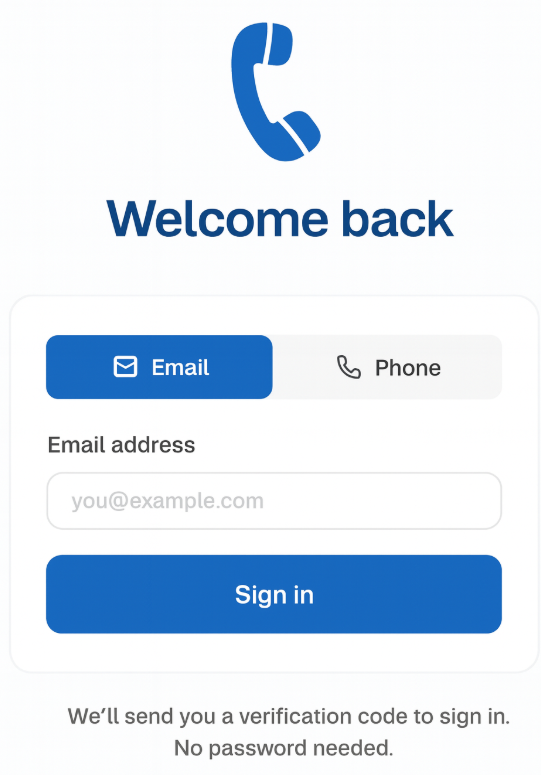
To validate identity, the system authenticates the employee using a one-time SMS code or email code
No username, password, or special login is needed. The employee simply receives a code and proceeds.
 Step 3: Call-Off Form Delivered Instantly
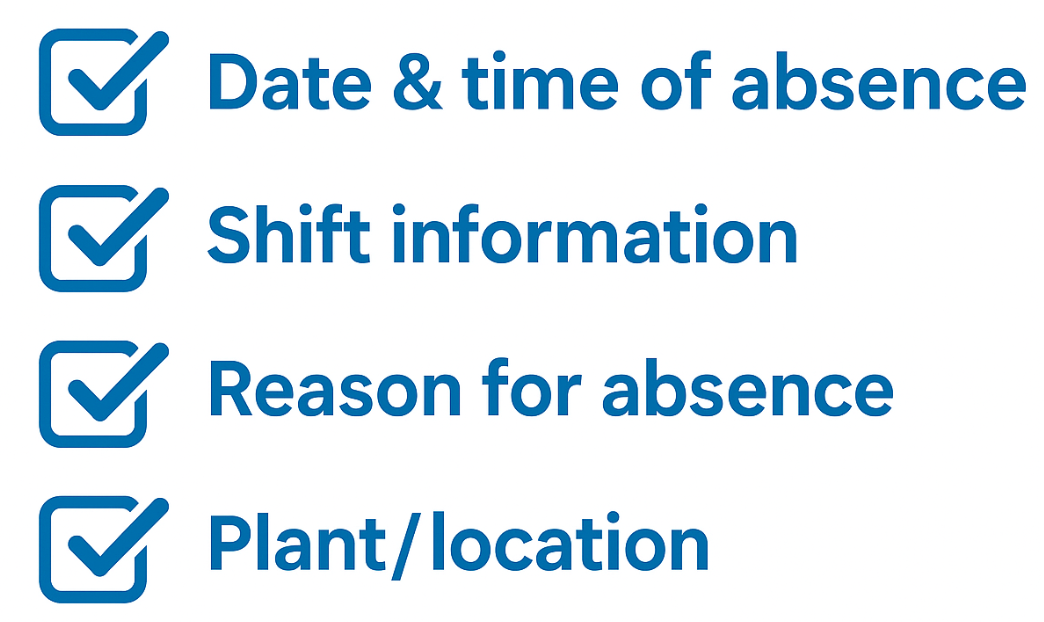
Employees receive a simple, mobile-friendly form asking for:
Date & time of absence
Shift information
Reason for absence
Plant/location
Any custom fields your system requires
 Step 4: Employee Submits Their Absence

Submission takes seconds. This streamlined process significantly reduces errors, missed information, and incomplete call-offs.

Step 5: Instant Processing & Data Routing
Once the absence is submitted, the system: captures and timestamps the submission, validates required fields, routes data to HR or management, sends updates to your time & attendance system (if integrated), updates the dashboard (if used), creates an audit-ready log.
Step 6: Confirmation Back to Employee
Employees immediately receive confirmation text and/or email. This reduces disputes, confusion, and duplicate calls.
Why Focus on Web & Text Call-Off Options?
✔ Fastest submission method
Employees can submit an absence in 10–20 seconds, far quicker than navigating a phone menu or speaking with an agent.
✔ Lower cost for employers
Text and web submissions drastically reduce per-minute call charges from IVR, AI, or live agent calls.
✔ Extremely user-friendly
Employees simply click a link or send a text. No apps to download, no login credentials to remember.
✔ Perfect complement to existing phone systems
These tools don’t replace your IVR, AI Answering, or Live Absence line, they enhance them.
Employees can choose the method they prefer, while text & web form call-offs handle the heavy volume.
How These Tools Complement IVR, AI & Live Answering
Your workforce can choose whichever method fits their comfort level or situation:
- Web Form: Fastest, lowest cost
- Text-to-Form: Perfect for mobile-first employees
- IVR: Menu-driven option for phone users
- AI Answering: Natural language for more conversational users
- Live Answering: Ideal for complex situations or when human support is needed
All methods feed into the same processing workflow, ensuring consistent, accurate attendance data.
Flexible Pricing Model
Although this page focuses on text & web form call-off methods, all systems: IVR, AI, Live, and these solutions, share a similar pricing model:
✔ Base cycle fee
✔ Per-minute or per-transmission usage cost, depending on the method
This ensures pricing aligns directly with actual use and call volume.